
Guide
What Does GoHighLevel Do? A Customer Journey Walkthrough
GoHighLevel helps a business get leads, talk to them, book them and keep them, all from one account. It brings in visitors with websites and funnels, captures them with forms and chat, follows up with texts, emails and automations, books appointments on calendars, takes payments and asks for reviews. Agencies use it to do the same for many clients.
Feature lists can be hard to picture. So instead of listing tools, this page follows one imaginary customer through a small business and shows which part of HighLevel does each job. Everything described is a feature HighLevel documents in its official help center, checked in November 2026. For the short version, see our plain-English guide to what GHL is.
Affiliate note: we may earn a commission if you start a trial through our link, at no extra cost to you. See our affiliate disclosure.
The problem GoHighLevel solves
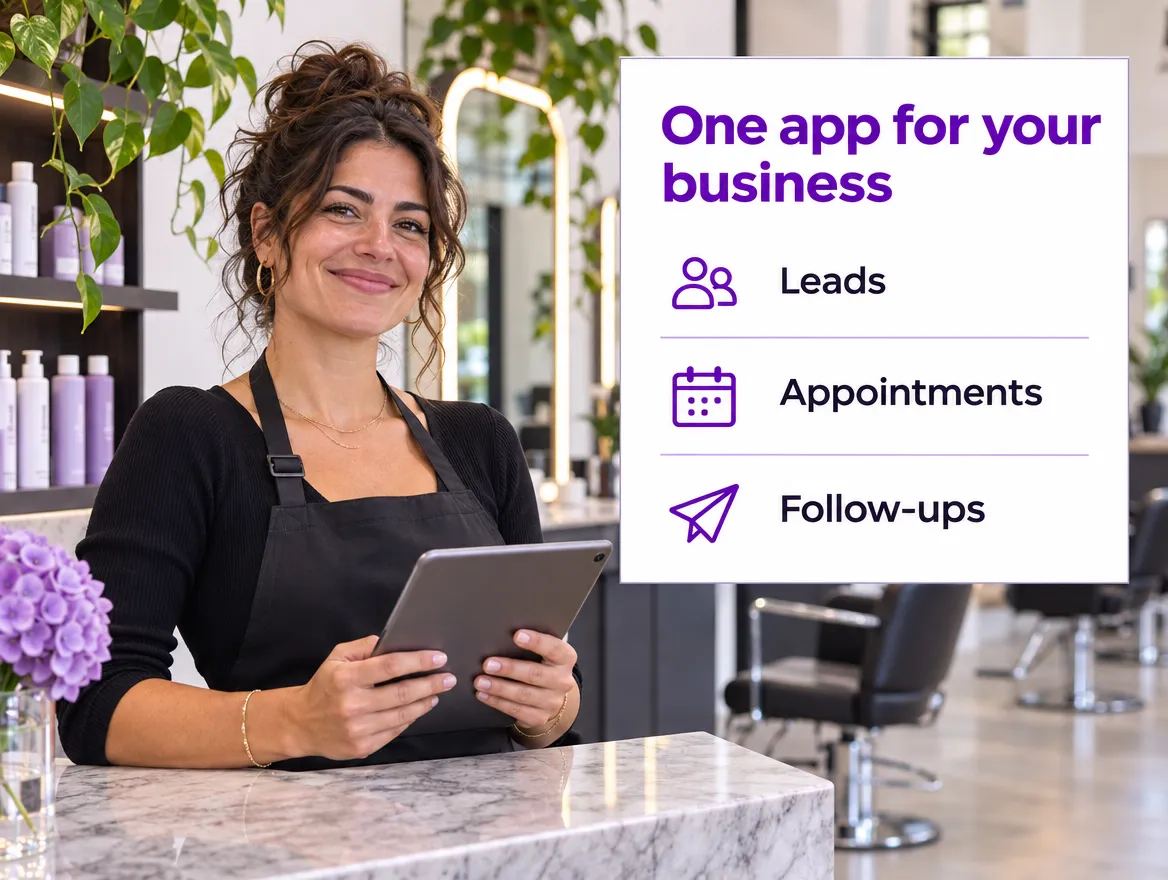
Most small businesses juggle separate apps for their website, email, texting, booking, payments and reviews. Contacts end up in several places, and leads slip through the gaps. GoHighLevel puts those jobs in one system that shares one contact record, so every message, booking and payment is tied to the same person.
HighLevel’s own About page says the company started in 2018 to help agencies that were struggling with this exact problem across many clients. The same idea now applies to a single business: fewer logins, one place to look.
Step 1: getting found with websites, funnels and social
The journey starts when someone finds you. In HighLevel you can build a website or a funnel with a drag-and-drop builder, connect your own domain, schedule social media posts and manage ads. Your imaginary customer, Sam, sees a post about a spring offer and clicks through to a landing page.
A website is a set of pages people move around freely. A funnel is a set of steps in a fixed order, built around one goal, such as claiming an offer. HighLevel’s websites overview notes that both use the same page builder, and that split testing is available for funnel pages. Social posts are scheduled in the Social Planner, under the Marketing menu.
Step 2: capturing the lead
When Sam fills in a form, starts a website chat, sends a text or calls your HighLevel number, a contact record is created in the CRM. That record holds Sam’s details, tags, notes and the full history of every message and booking. This is the heart of the system.
HighLevel offers forms, surveys and quizzes, a website chat widget and phone numbers through its own phone system, LC Phone. If a call is missed, a feature called Missed Call Text Back can text the caller automatically, as described in HighLevel’s help article. Texting US numbers from a local number requires A2P 10DLC registration first.
Step 3: following up from one inbox
Every reply from Sam lands in the Conversations inbox, whether it comes by text, email, website chat, Facebook, Instagram or WhatsApp. Your team answers from one screen. You can also let automations send timely follow-ups, or let an AI assistant answer common questions.
HighLevel’s help center describes Meta messages staying in the Conversations inbox “alongside SMS, email, and WhatsApp” in its Facebook and Instagram setup guide. Each channel has to be connected first. For example, Facebook only appears once a Facebook Page is linked to the sub-account.
Step 4: booking the appointment
Sam is ready to book. You send a link to a HighLevel booking calendar, Sam picks a time, and the appointment shows up on your calendar and on Sam’s contact record. Reminders and confirmations can go out automatically, which helps cut no-shows without extra admin.
HighLevel offers several calendar types. A round robin calendar spreads bookings across a team; a class booking calendar lets one host meet several attendees; service calendars suit businesses that sell different services with different staff. HighLevel lists the types in its calendar types folder.
Step 5: tracking the deal and getting paid
Sam’s request becomes an opportunity in a pipeline, a board that shows every deal by stage, such as “Booked”, “Quote sent” and “Won”. When the work is agreed, you can send an invoice, a payment link or a text-to-pay link, and take the payment through a connected provider such as Stripe.
According to HighLevel’s opportunities guide, each opportunity has a status of open, won, lost or abandoned. Dashboards then show how many deals sit in each stage. For a business owner this answers a simple question: where are my leads right now?
Step 6: reviews, repeat business and courses
After the job, HighLevel can send Sam a review request by text or email, and you can reply to Google reviews from inside the app. Later, email campaigns bring Sam back for the next offer. If you sell knowledge, Sam can also buy a course or join a members’ community.
HighLevel’s review requests guide describes sending requests manually or from an automation. Courses sit under Memberships, and learners log in through a client portal. These tools make HighLevel popular with coaches and trainers, not just local businesses.
Where automation and AI fit in
Automations and AI sit across the whole journey. A workflow is a set of rules that fires when something happens, like a form being submitted, and then takes actions, like sending a message or moving a deal. AI tools can answer chats, take calls, write content and suggest review replies.
We explain workflows conceptually rather than as recipes. HighLevel’s introduction to workflows says you can build one from scratch, from a template or with AI help. Its AI tools are listed in the AI tools overview. Customer-facing AI such as Conversation AI and Voice AI is pay-per-use or a monthly AI Employee add-on.
What GoHighLevel does for agencies
For an agency, HighLevel does all of the above for each client, in separate sub-accounts managed from one agency view. Agencies can copy a proven setup into a new client account with a snapshot, and on higher plans they can brand the app as their own and resell it.
The Unlimited plan adds a white-label desktop app and pass-through billing for usage, and the Founder plan adds SaaS mode, according to the pricing page as of November 2026. Our guide to sub-accounts and the agency view explains the structure.
What GoHighLevel does not do well
HighLevel is broad, not specialist. It is not an accounting system, an inventory tool or clinical charting software. Its many features also mean a learning curve, and messaging and AI usage are billed on top of the plan. If you only need one of these jobs done, a single tool may be simpler.
- It does not replace bookkeeping software for your accounts.
- It is not HIPAA compliant by default; HighLevel sells HIPAA as a paid add-on.
- US texting must wait for A2P 10DLC approval, which is not instant.
- Updates are frequent, so menus and feature names can change.
Want to see every tool in one list? Read GoHighLevel features explained for beginners, or check who uses GoHighLevel and who it is not for.
Try it while it’s fresh in your mind.
Start the free trial, set things up with your own data, and cancel before it ends if it isn’t right for you.
Affiliate link. See our disclosure.
FAQ